- Login to your Student Dashboard in WIReD.
- Select Enrollment Checklist from the left side menu.
- Select a Term if prompted.
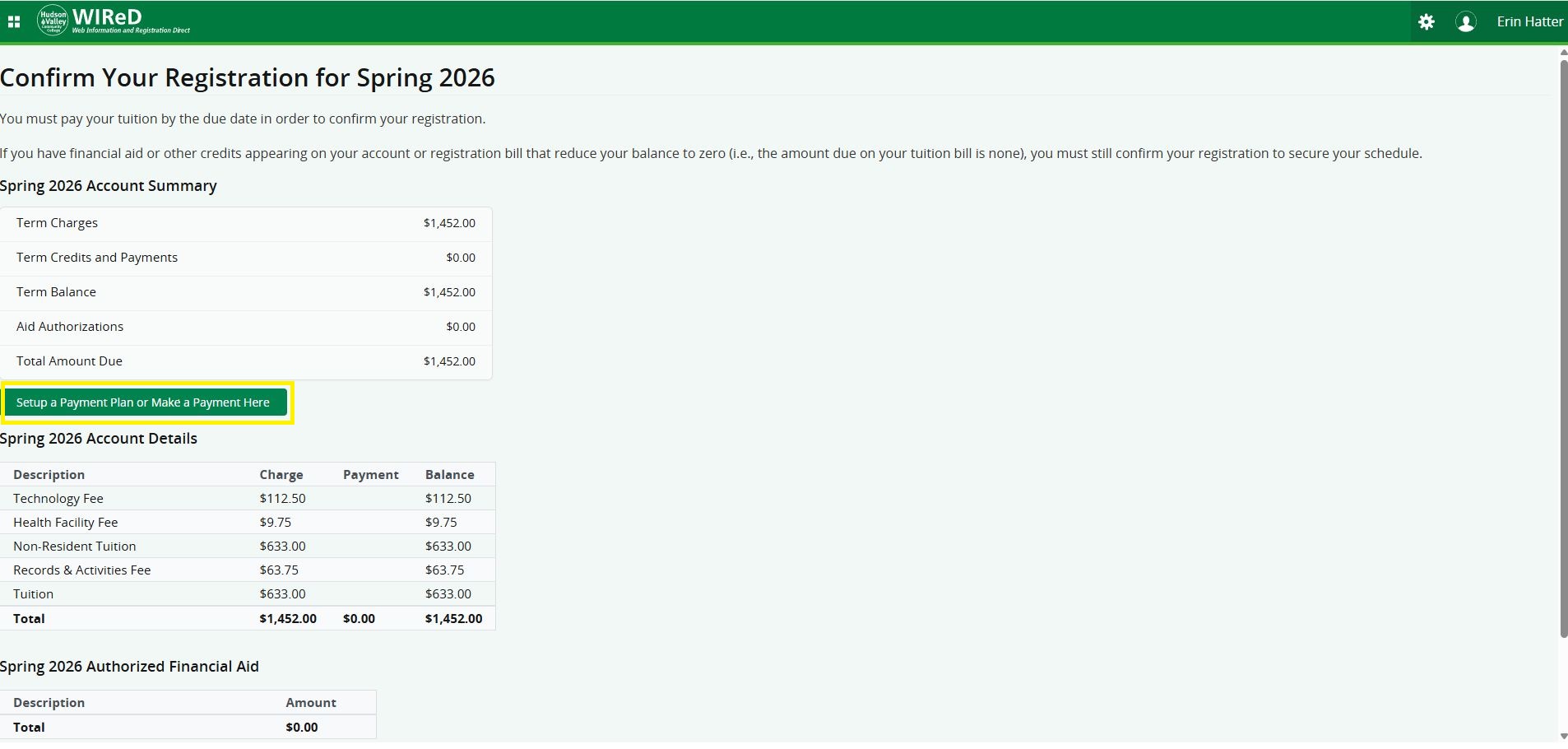
- Under Confirm You Registration, select Review Aid & Charges.
- Select Setup a Payment Plan or Make a Payment Here.
To Access Financial Aid Information
If you have authorized financial aid, follow steps 1-3 above, then continue:
- Select the waffle menu (upper-left corner of the screen)
- Select Banner
- Select Financial Aid
- Select Financial Aid Dashboard
Need More Help?
For assistance with WIReD, please contact the Registrar's Office at: